A collaborative animation app for creating short animations with friends, one frame at a time.
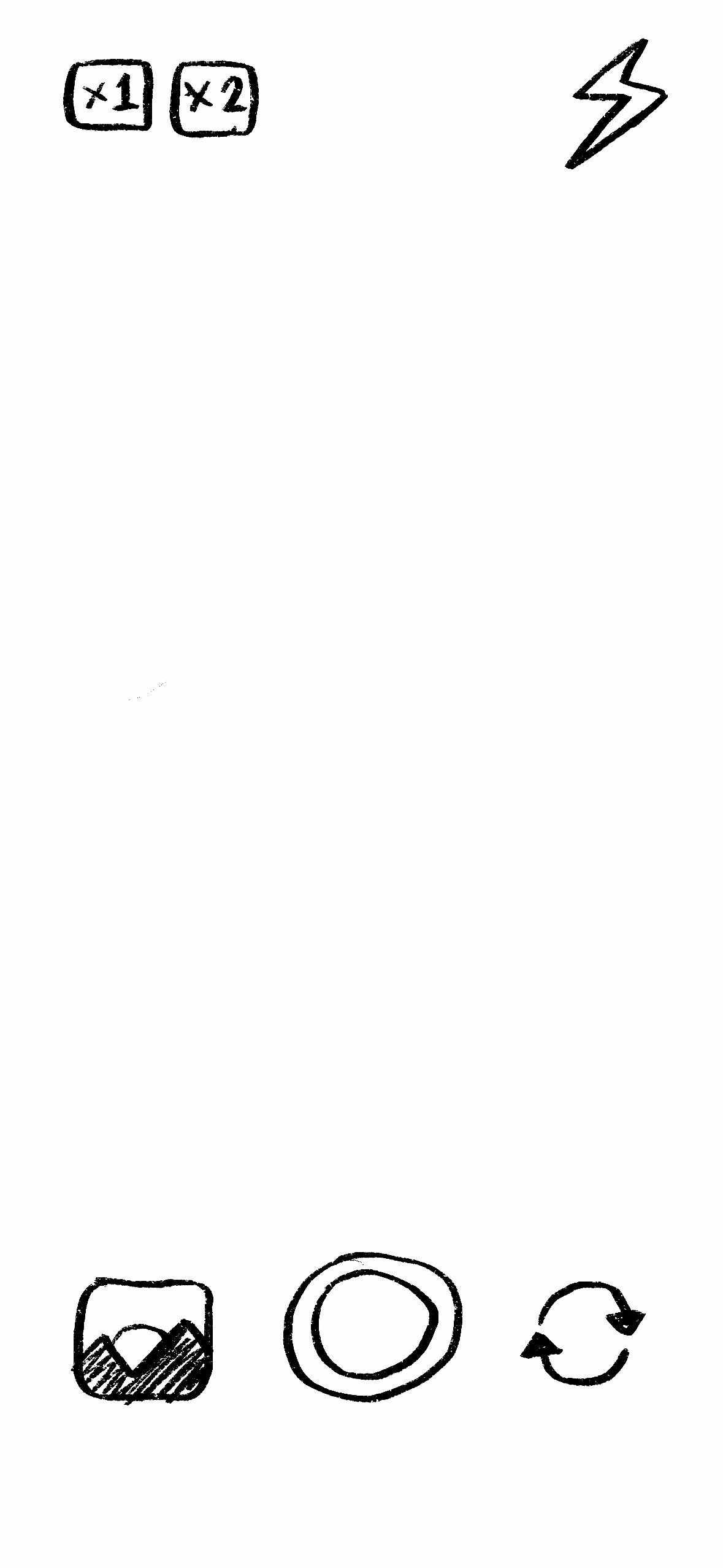
Animates is a mobile app concept developed during my master’s degree. The app allows users to create short animations collaboratively by taking turns drawing individual frames. Users can also capture their own short videos and draw over them using an onion-skin style guide, making animation more accessible for people with little or no drawing experience.
Project Overview
Project type: Master’s project / app concept
Role: UX design, interaction design, visual design, prototyping
Tools: Figma, sketching, wireframing, prototyping
Focus: Collaborative creativity, beginner-friendly animation, social interaction
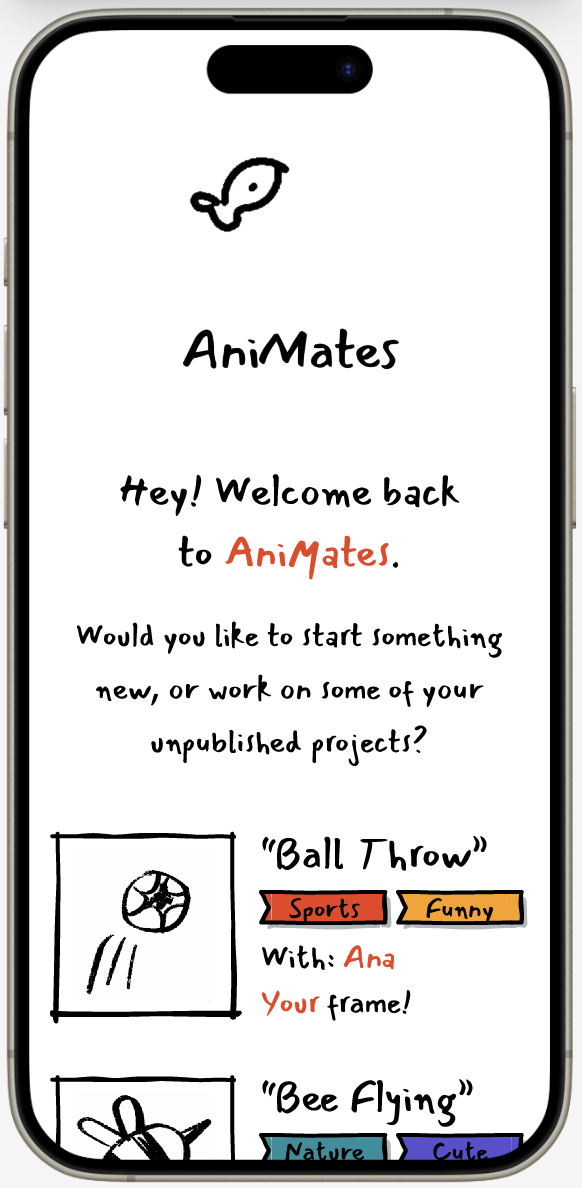
Animates explores how animation can be made more playful, social, and approachable. Instead of asking one person to create a full animation alone, the app breaks the process into small collaborative steps. One user draws a frame, sends it to a friend, and the animation continues frame by frame until either participant decides it is finished and ready to publish.
How It Works
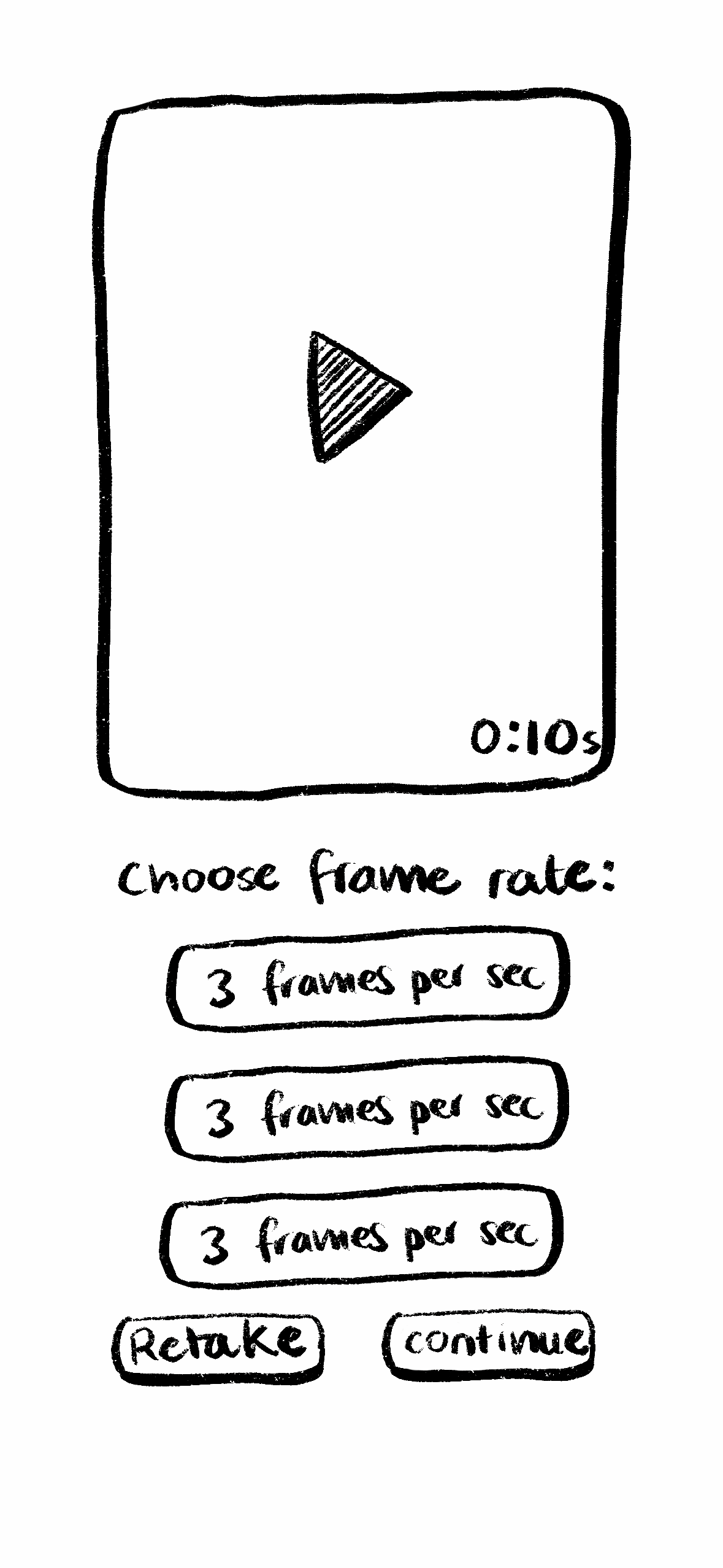
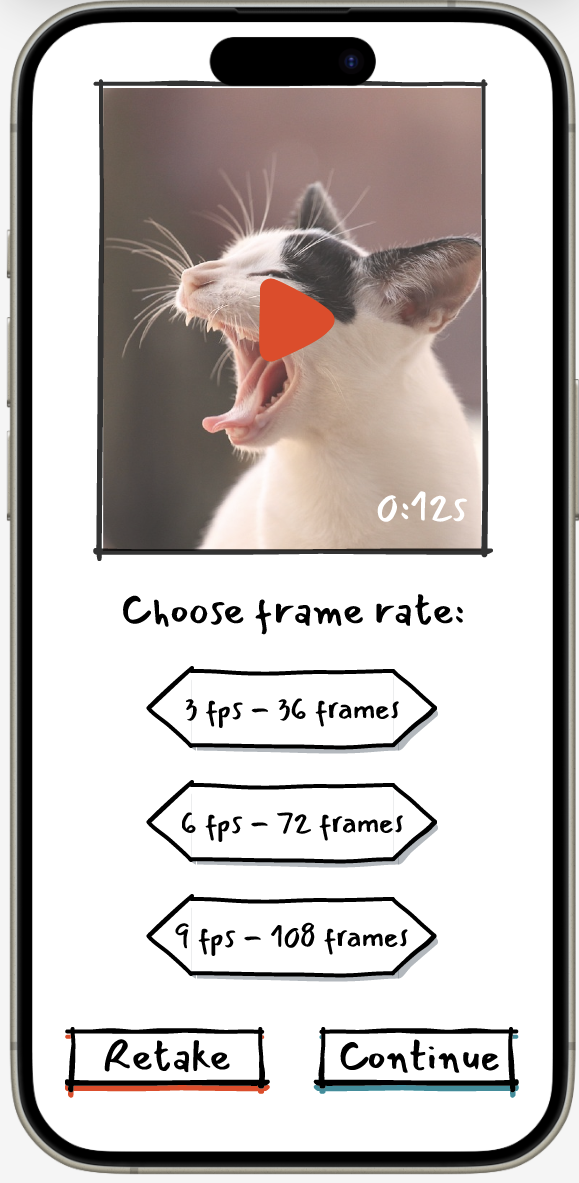
1. Capture or Start, Choose your frame rate
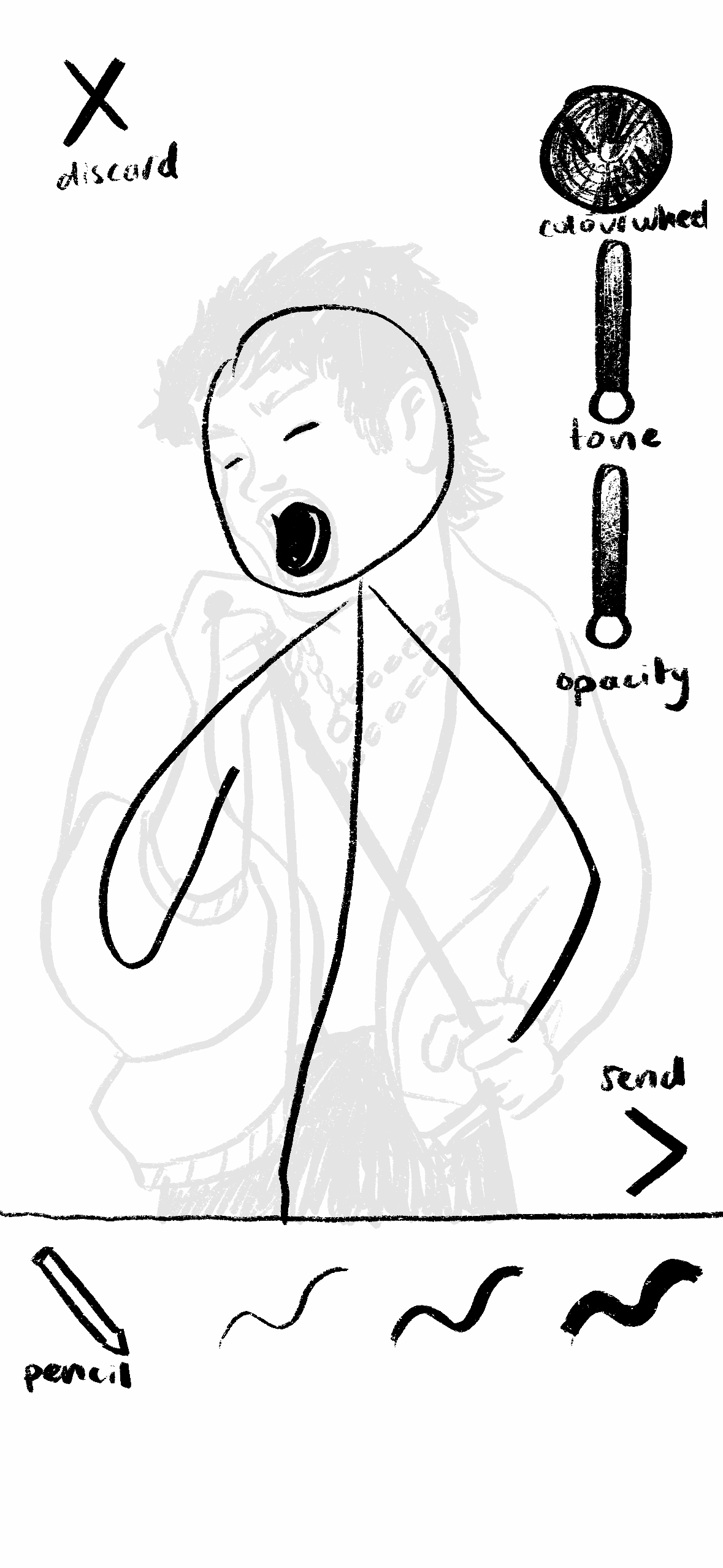
2. Draw a Frame
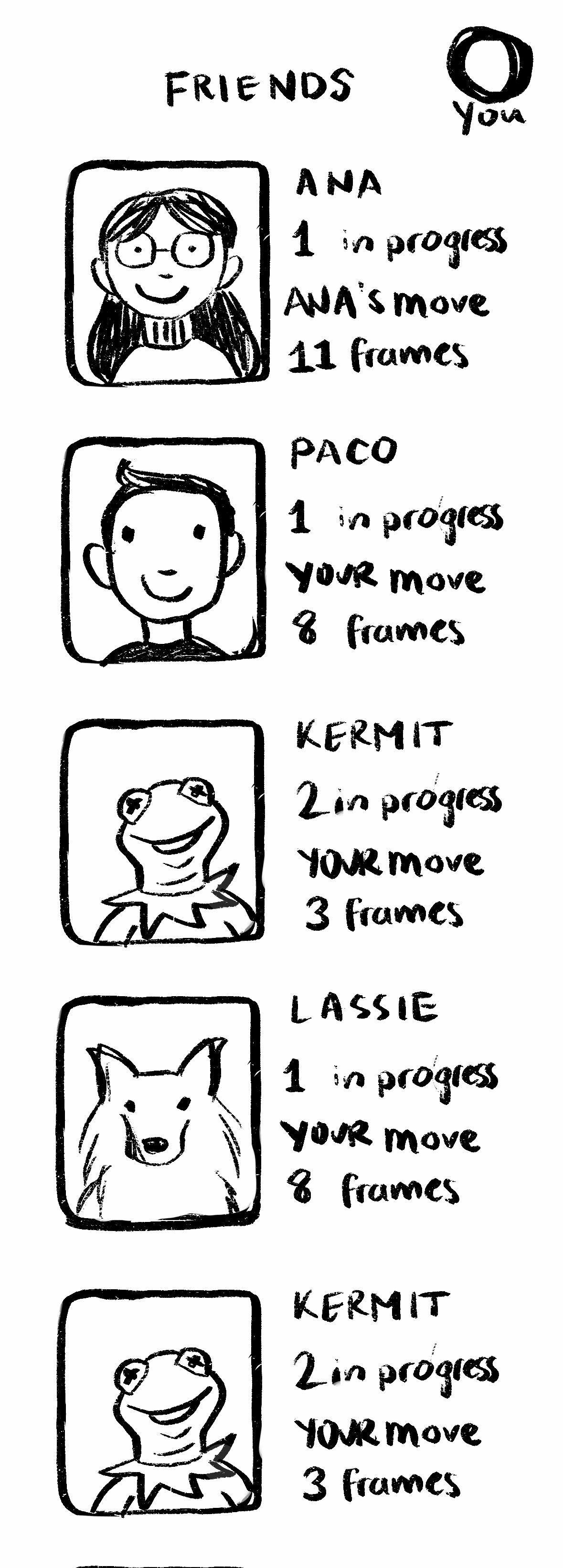
3. Send to a Friend
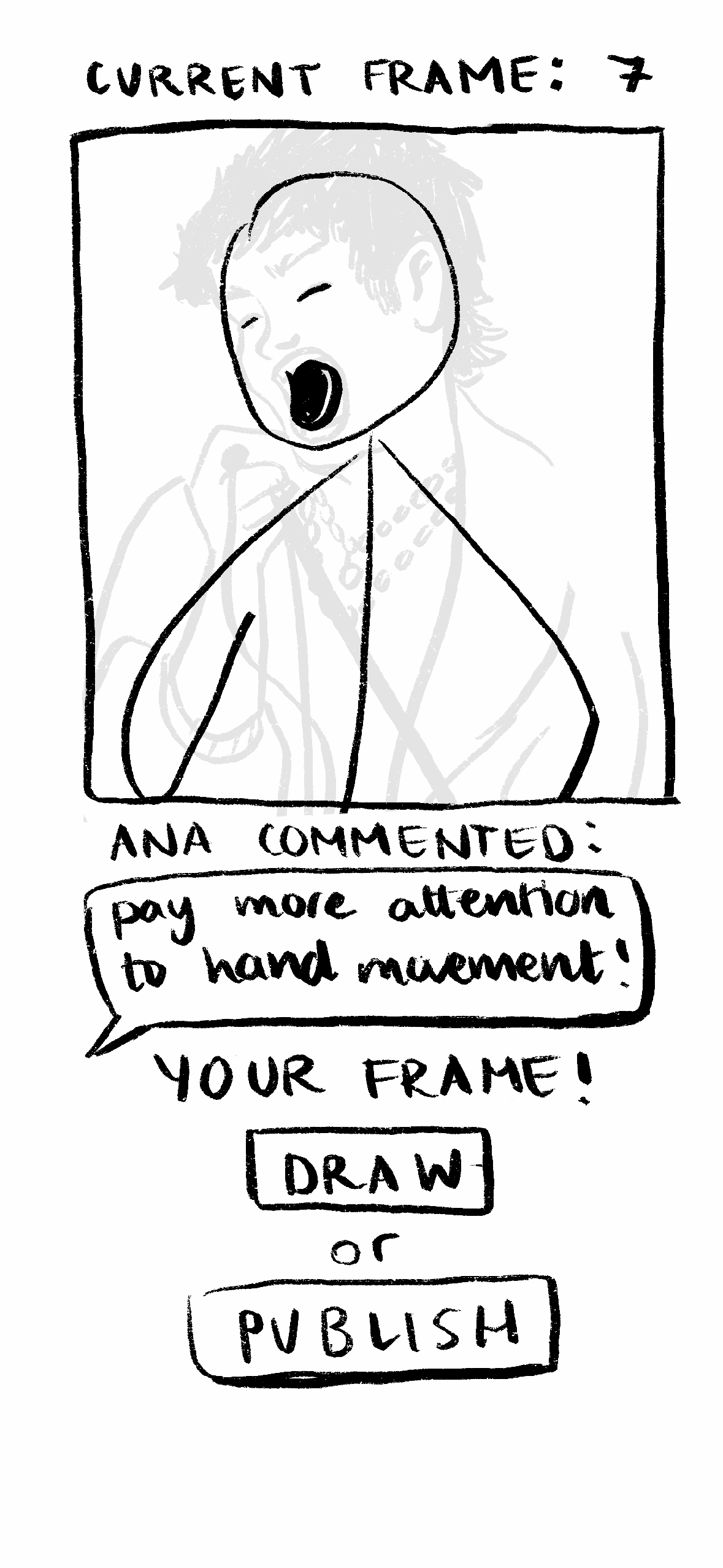
4. Publish or Continue
Key Features
Collaborative Frame-by-Frame Drawing
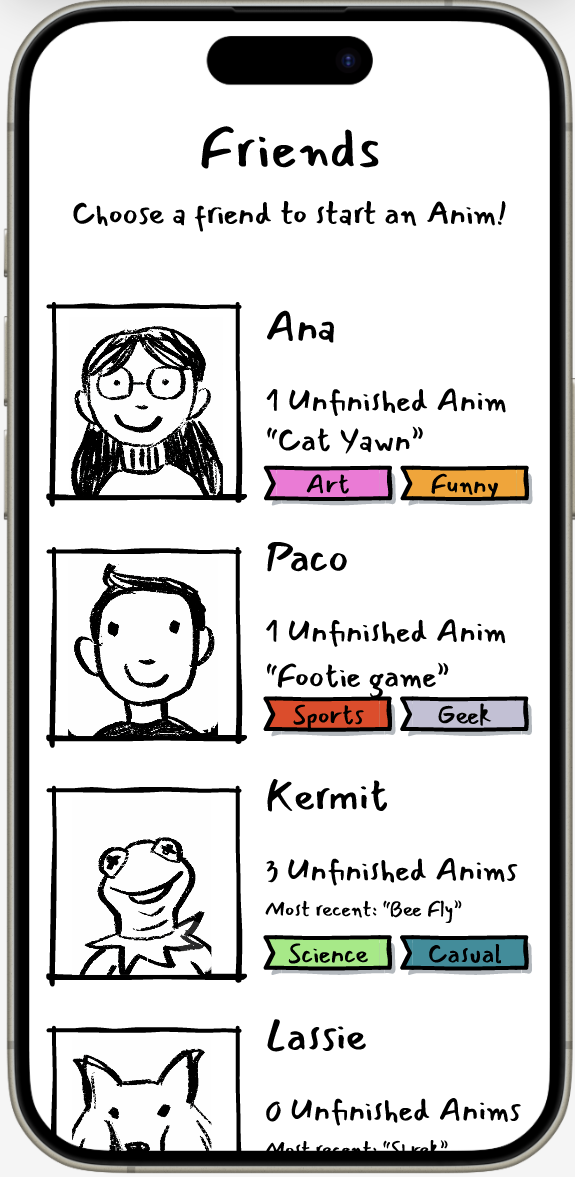
Animates uses a turn-based interaction model where each participant contributes one frame before passing the animation on.
Video Guide / Onion Skin Tool
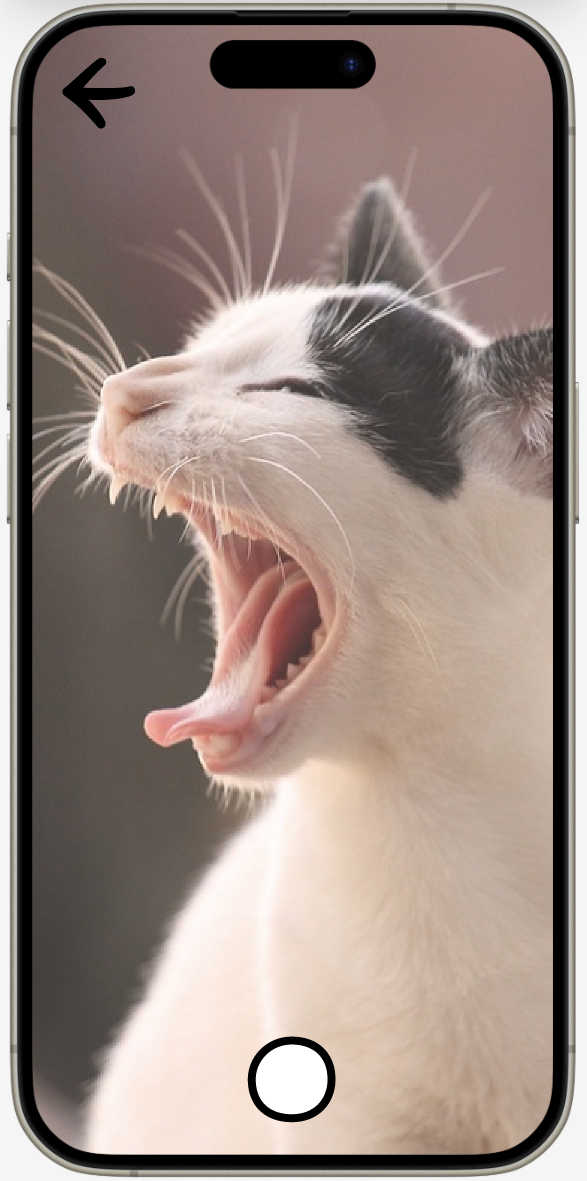
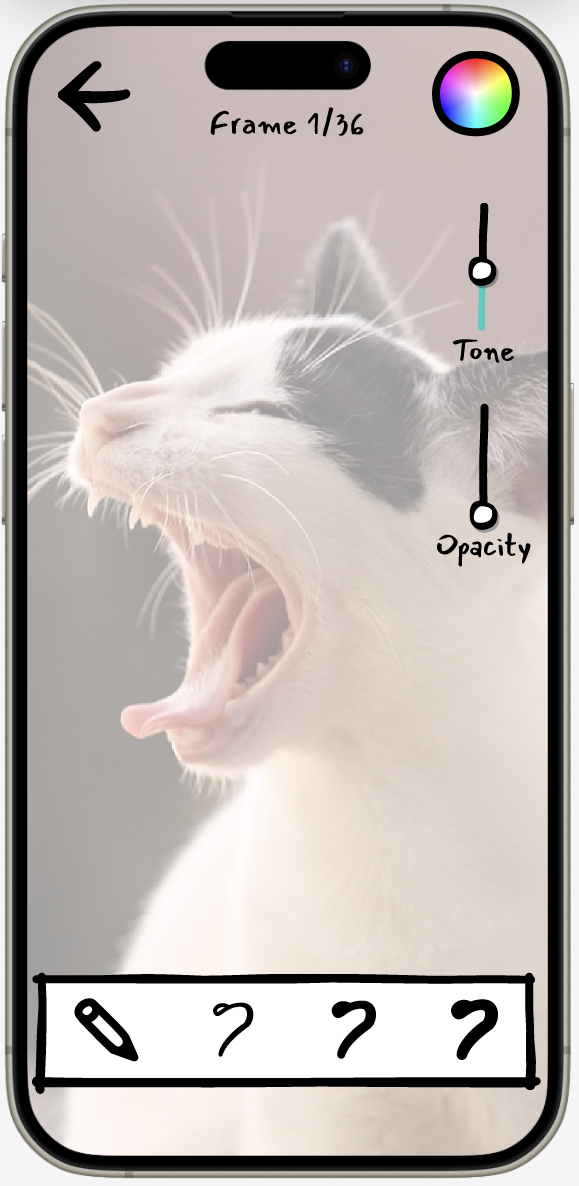
Users can capture their own short videos and draw over them frame by frame. This makes the app more accessible to beginners and helps users who may not feel confident drawing from imagination.
Shared Creative Control
Either participant can choose to end and publish the animation once they feel it is complete, making the process flexible and collaborative.
Profile Galleries
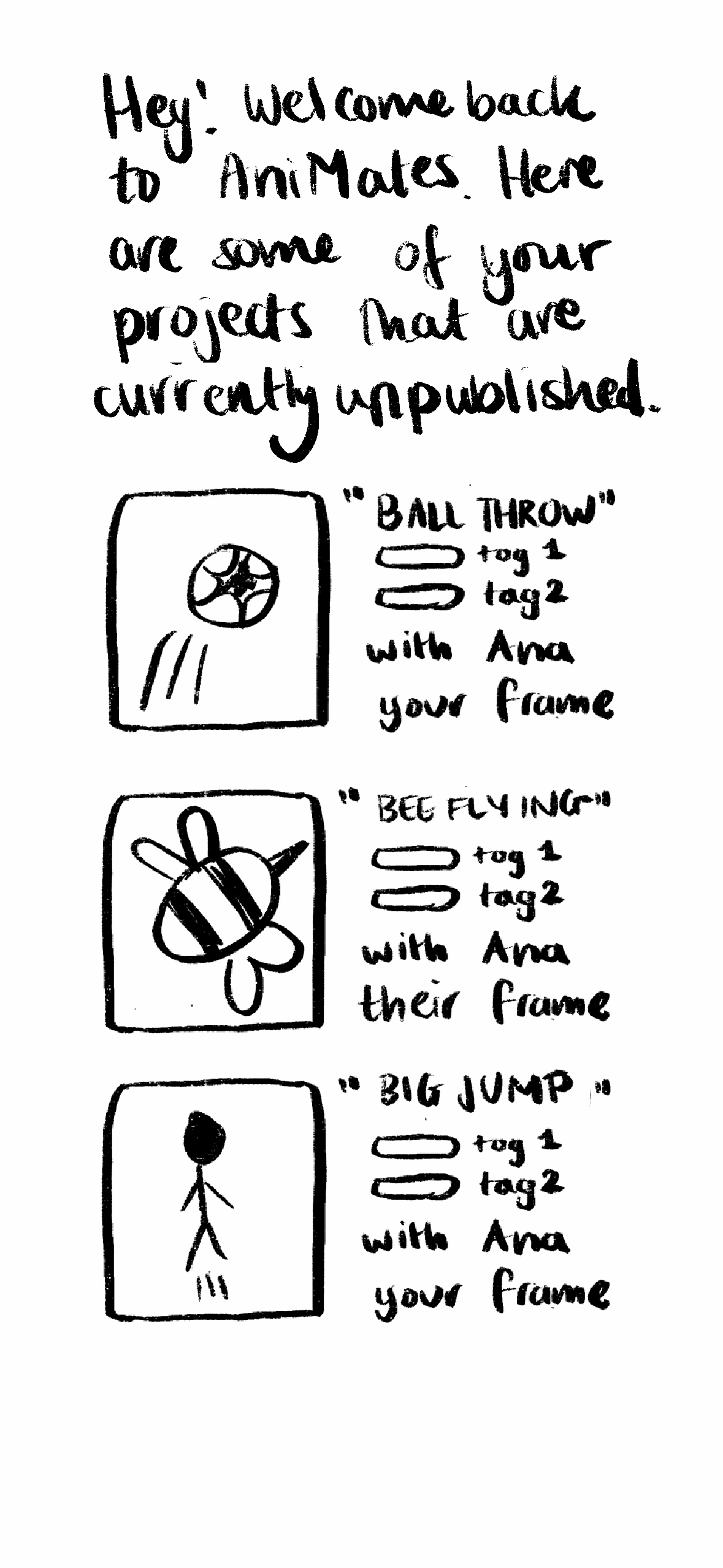
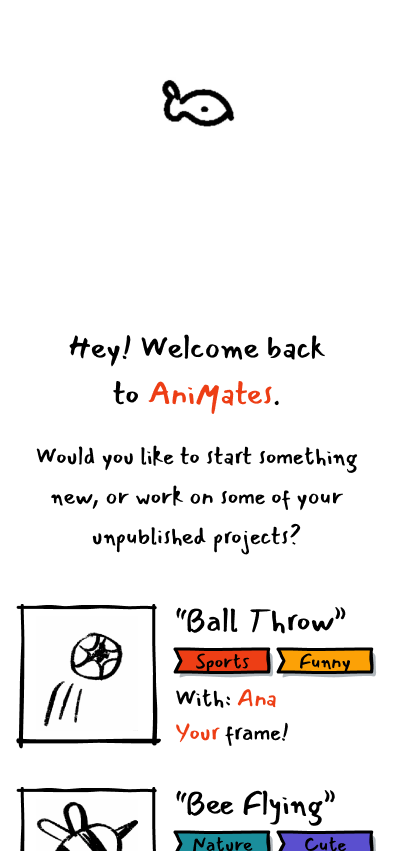
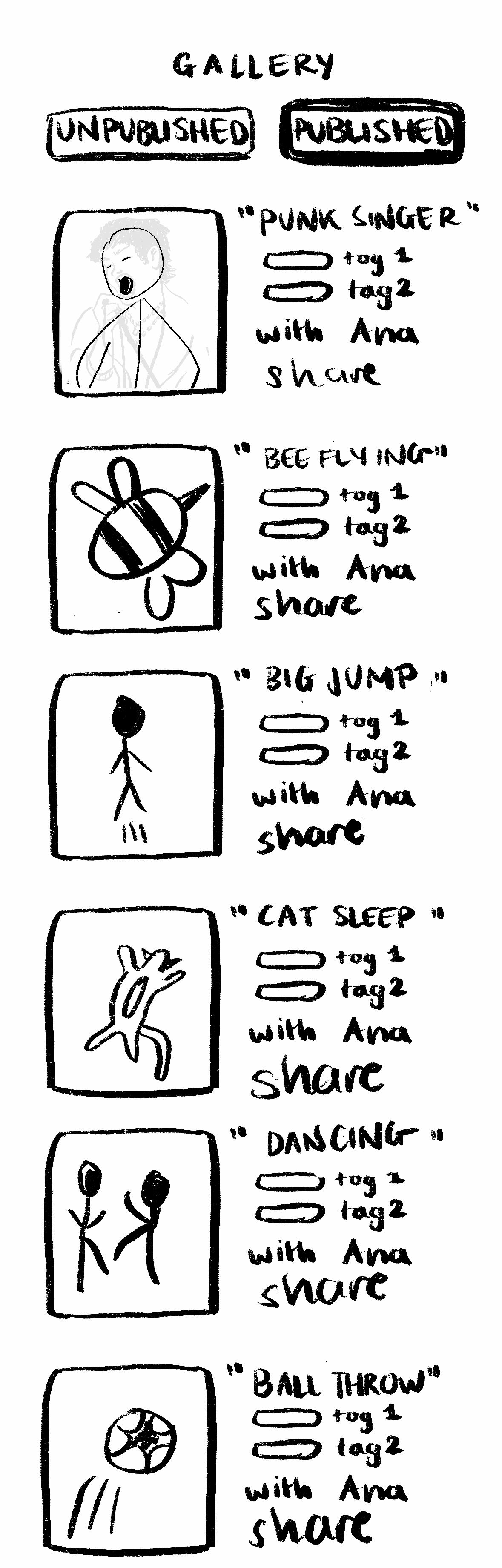
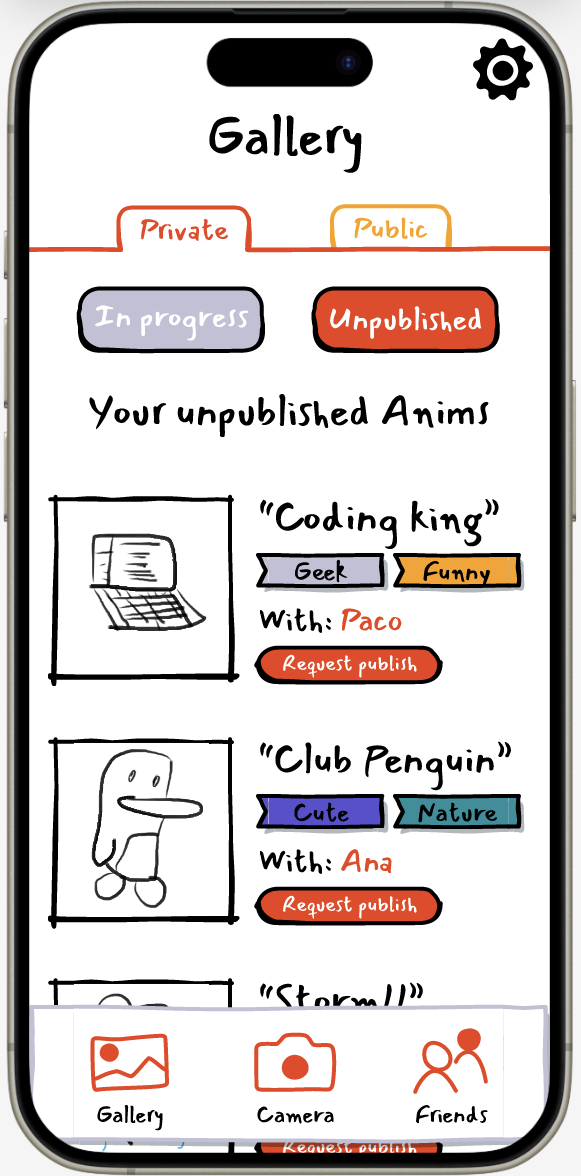
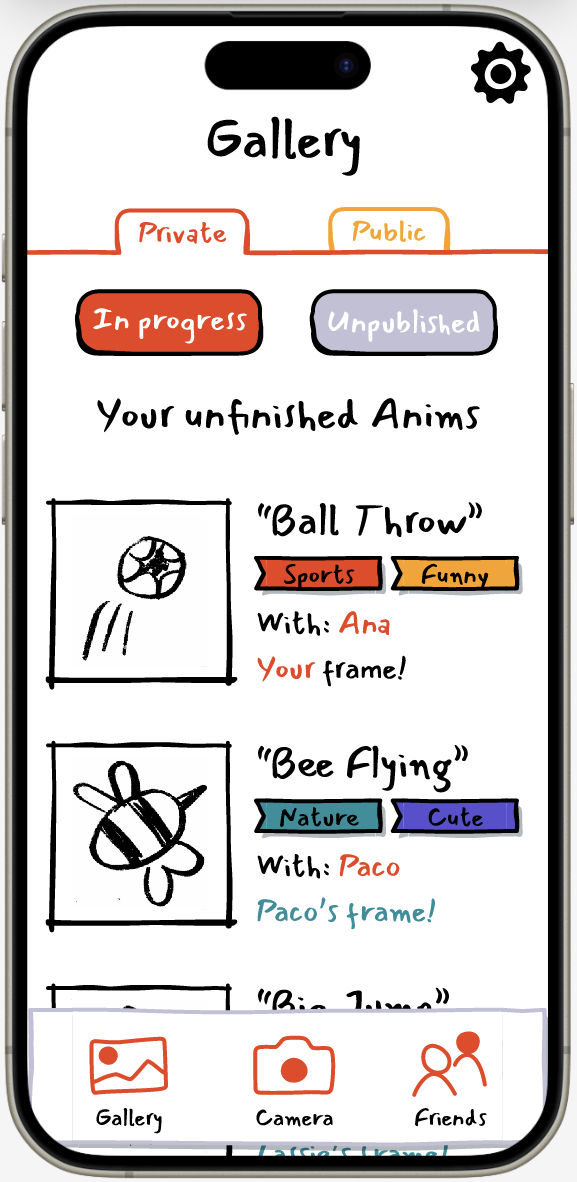
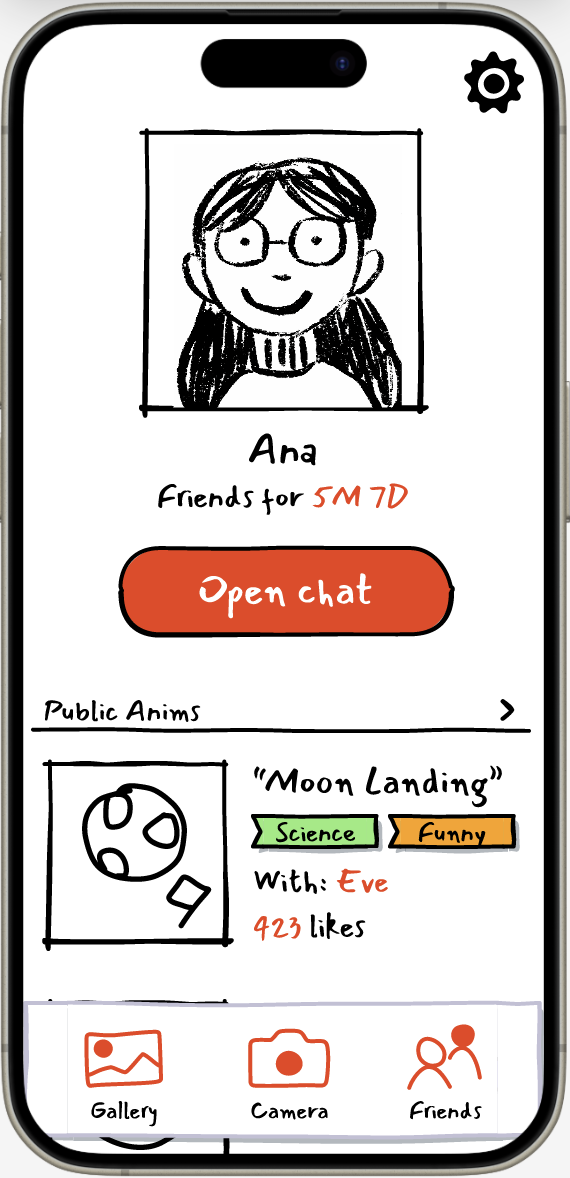
Published animations are stored in one gallery, while unpublished or unfinished animations are stored in another. Both galleries are accessed through the profile tab in the navigation bar, allowing users to easily return to ongoing work or view completed animations.
Design Process
The project began with sketches and early screen ideas to explore how the animation flow would work. I focused on keeping the process simple, as animation can often feel intimidating or technical. The main challenge was designing an experience that felt playful and social while still making the frame-by-frame process clear.
Early sketches helped define the main screens, including the drawing interface, friend hand-off flow, publishing option, and profile galleries. These were then developed into a Figma prototype to test the overall interaction flow and visual direction.
Figma Prototype
The final prototype demonstrates the core Animates experience, including starting an animation, drawing over a video guide, sending a frame to a friend, publishing a completed animation, and accessing both finished and unfinished animations through the profile tab.
Final Screens
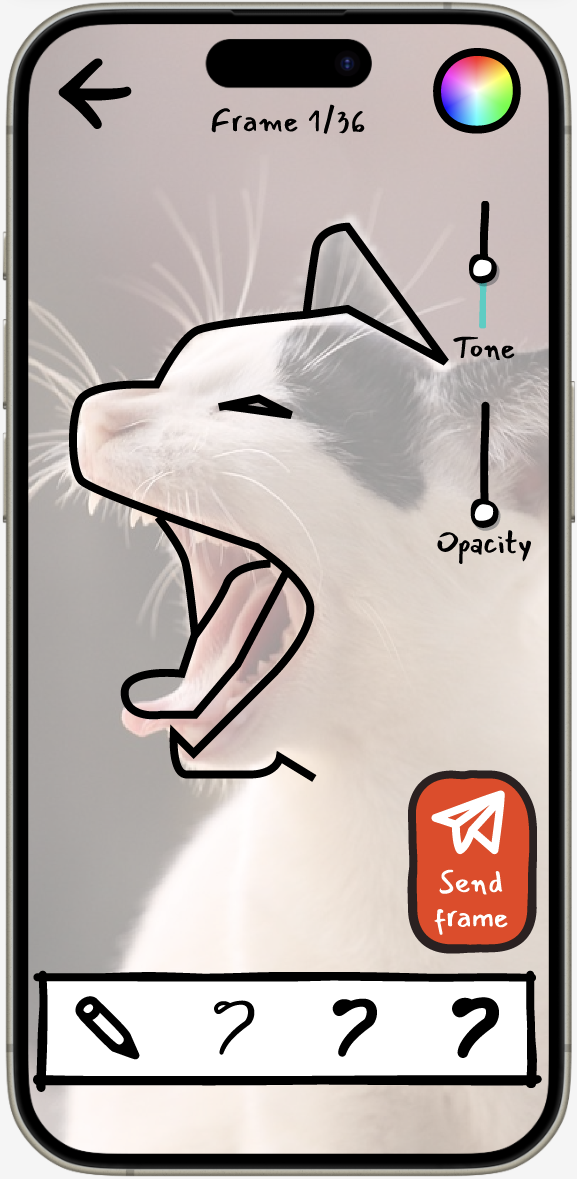
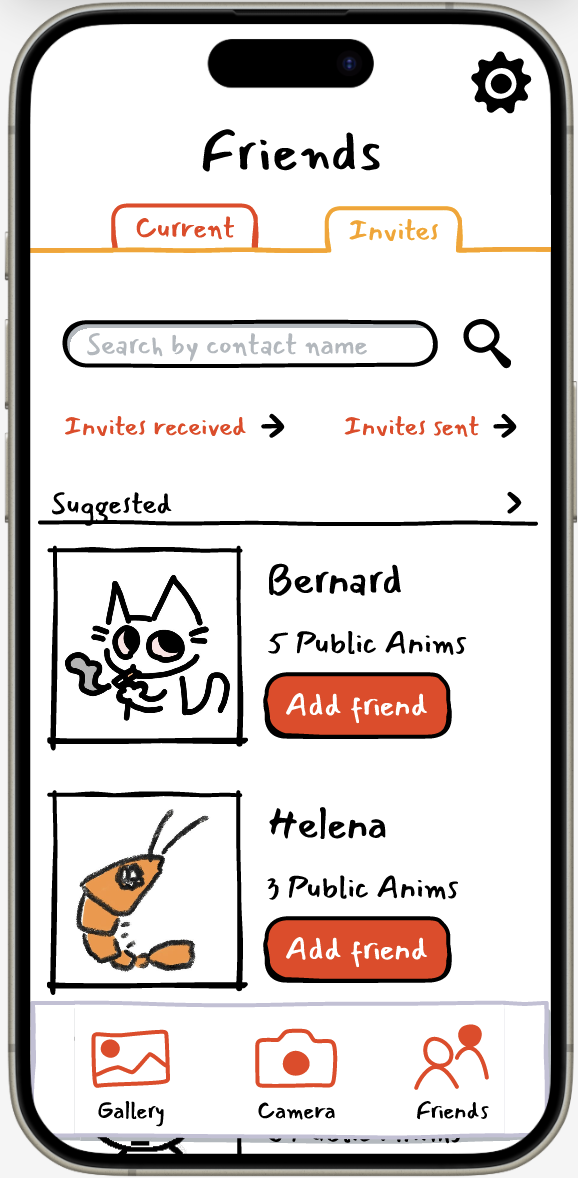
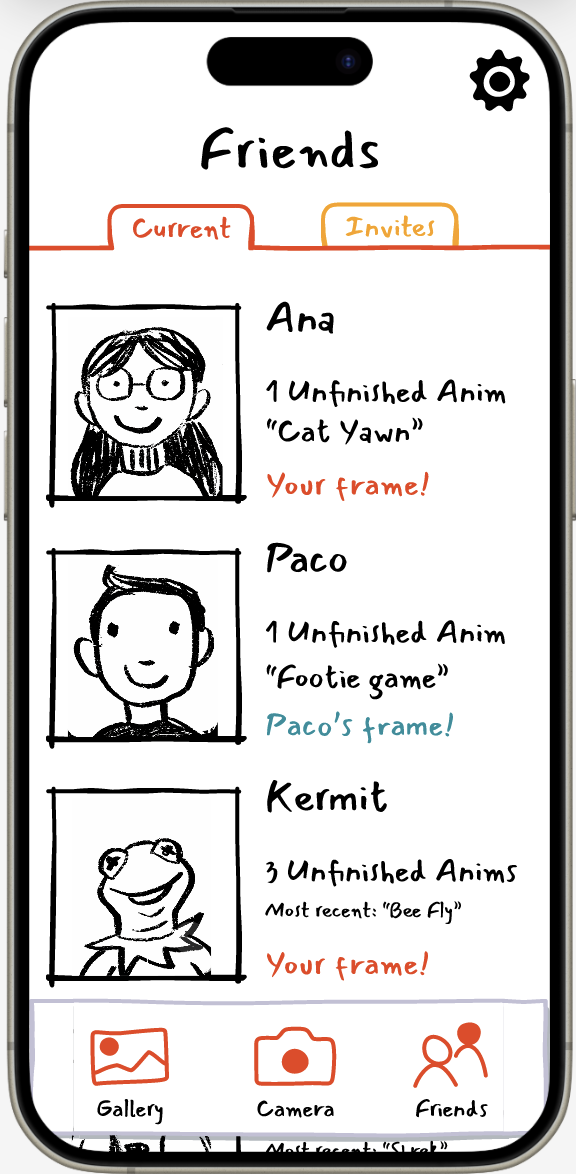
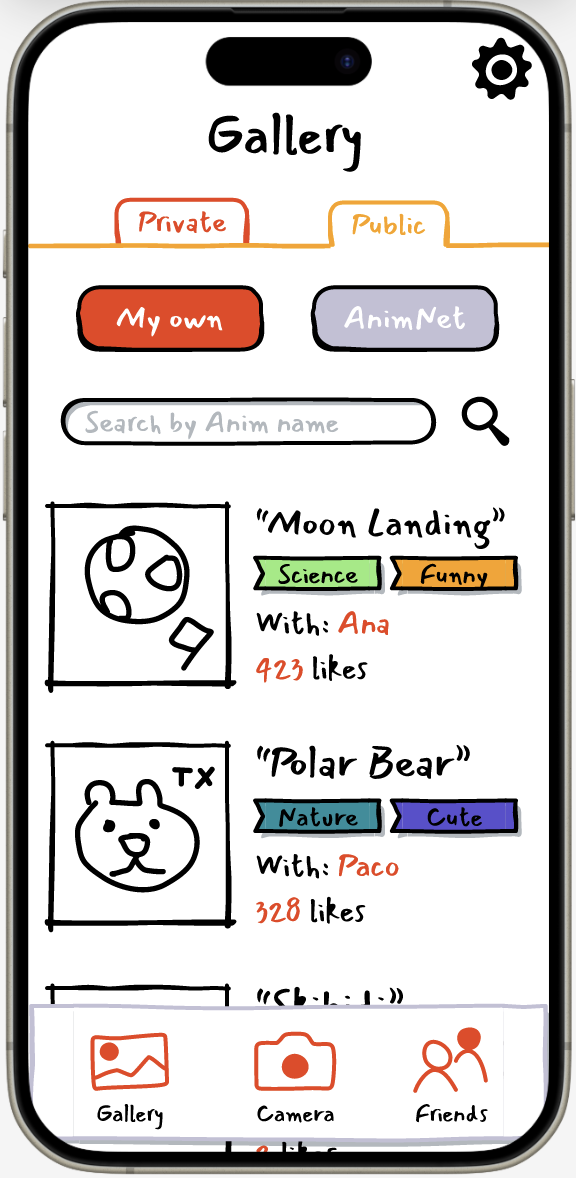
Outcome
Animates became a playful concept for a collaborative creativity app that makes animation feel more accessible and social. By combining video guidance, simple drawing tools, and turn-based collaboration, the app lowers the barrier to animation for beginners while encouraging shared creative expression.
This project allowed me to explore interaction design, mobile prototyping, social creative tools, and how interface design can make complex creative processes feel simple and enjoyable.